Live Event Energy
Twitch Alerts
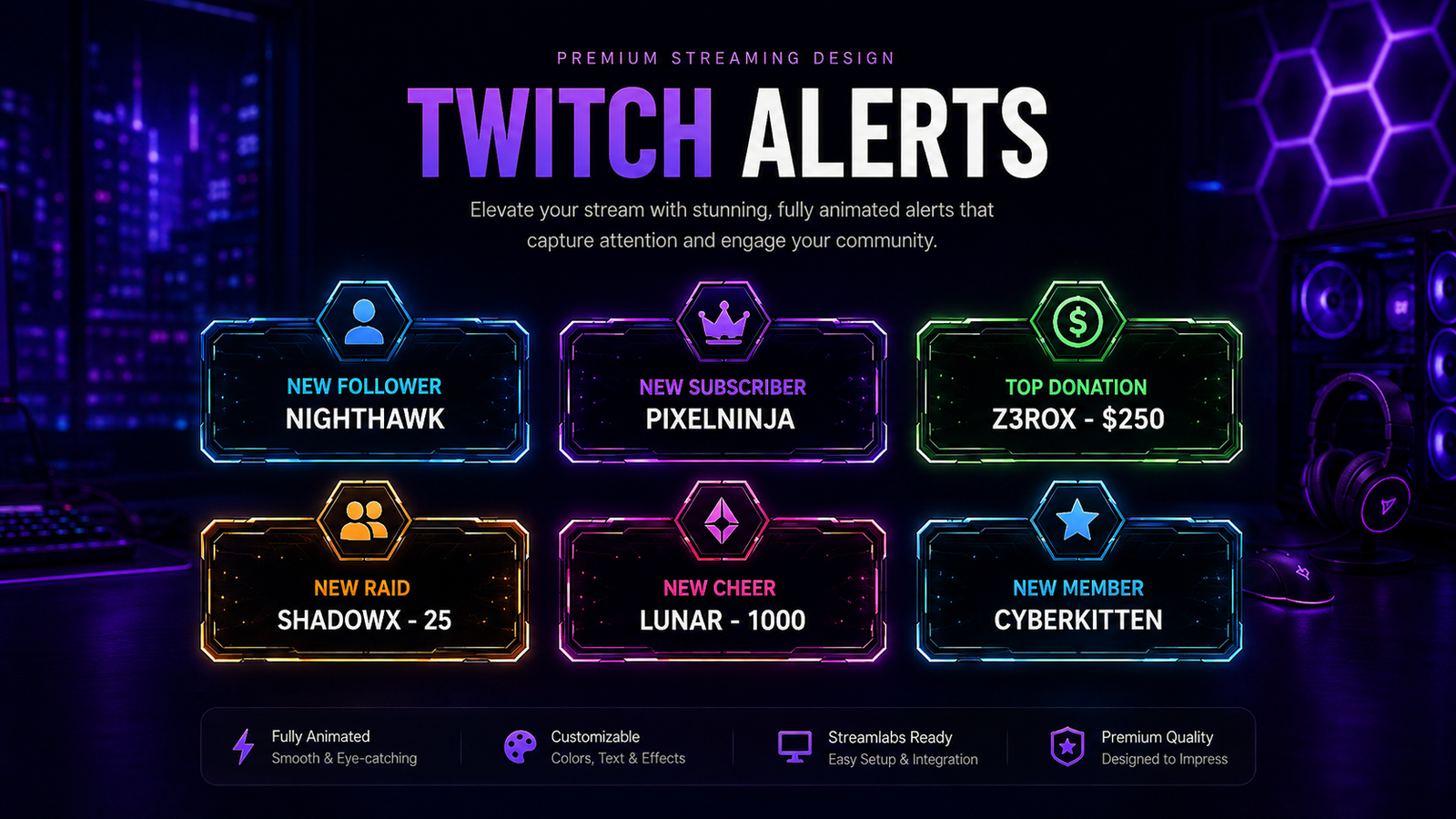
Make every important live event feel like part of your brand. We create an alert family with consistent framing, typography and visual effects so follows, subscriptions, donations and raids feel intentional.
What You Can Get
Built as a complete service, not a placeholder page.
The exact deliverables can be adjusted to your channel, platform and package scope.
Branded event layouts for the moments that happen most often during a live stream.
High-visibility variations for support events without covering more of the screen than necessary.
Additional event types can share the same visual language and motion direction.
A consistent system of colors, icons, frames and typography ties every event together.
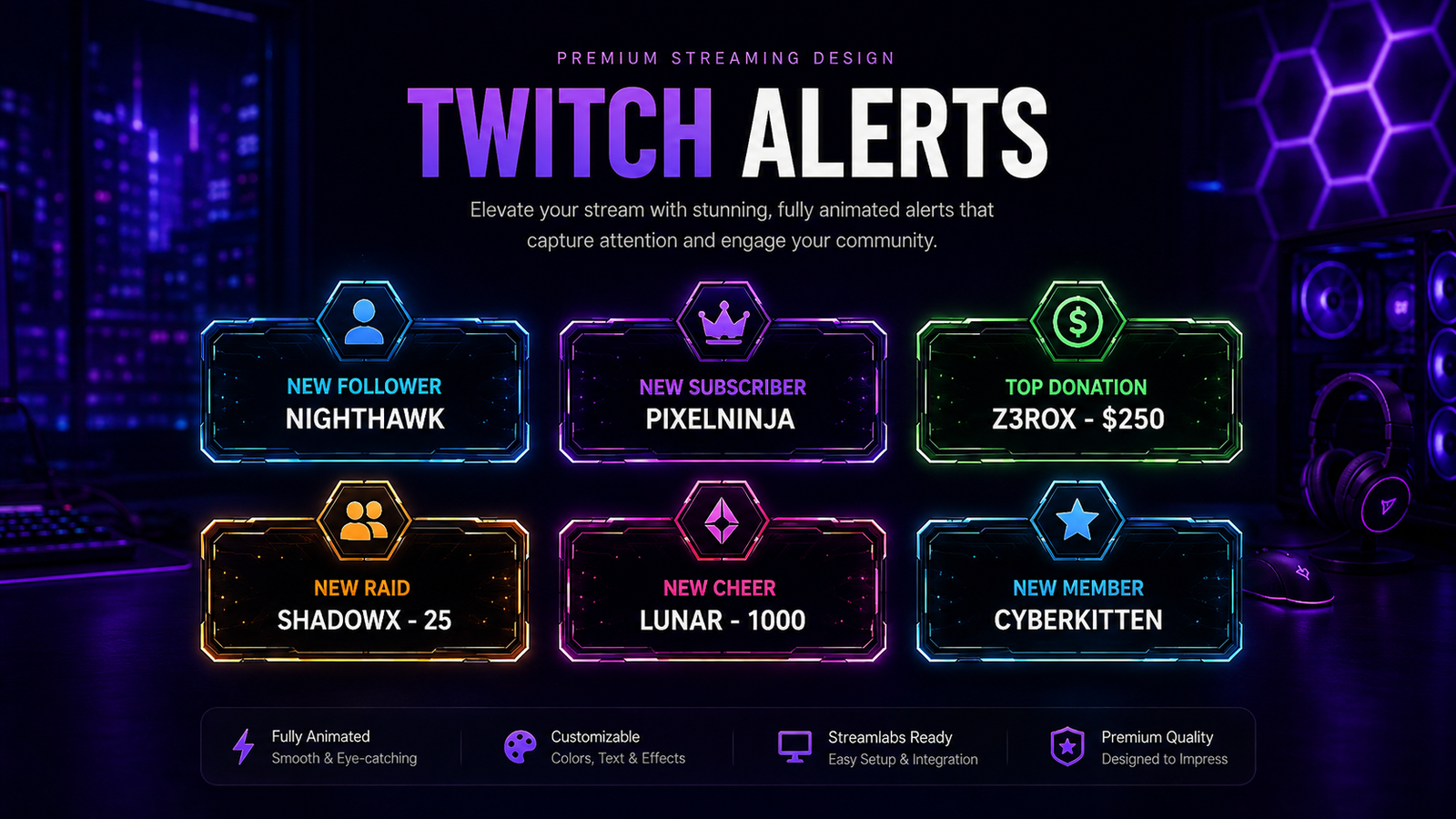
Additional HD Example
More ways the alert family can be presented.
Typical Deliverables
What can be included
- Custom alert art direction
- Multiple event variations according to scope
- Static or animated direction by package
- Transparent visual elements when required
- Practical delivery files and organization
- Revision rounds according to the agreed package
Best Fit
Who this service is for
- Streams with active follower/subscriber events
- Creators who already have an overlay and need matching alerts
- Channels moving from generic alert themes to custom branding
- Multi-platform creators who want one visual identity
Project Flow
From brief to final files
Tell us which alert events you use and share your current branding.
We create the main alert direction and one core event style.
The design is refined and adapted across the selected event types.
Final alert graphics are exported and organized for your streaming setup.
Questions
Twitch Alerts FAQs
Can the alerts match my current overlay?
Yes. Send your overlay or brand files and we can use the same shapes, colors and typography direction.
Do I need to order every alert event?
No. Choose only the events you actually use or request a more complete alert family.
Can you provide motion-ready alert assets?
Yes, when animation is part of the selected scope. Tell us whether you use OBS, Streamlabs or StreamElements so the workflow can be considered before delivery.
